
Can you imagine how many websites get hacked each day? 30,000! Huge, right? This adds up to over 10 million breaches every year.
WordPress is the most popularly used CMS around the world. Being open source and widely used, WordPress sites are the target of hackers. Another emerging trend is the hacking of websites by attackers in unusual ways, owing to the emergence of AI technology.
But fear not!
While hackers are upgrading their hacking methods, AI WordPress security is changing the way websites discover and prevent cyber threats.
In this blog, we will look into the common threats to WordPress sites and how you can secure your website against cyberattacks.
Let’s begin!
Common Threats That Target WordPress Sites
Brute force attacks
In a brute force attack, attackers use automated scripts to try numerous combinations of usernames and passwords, attempting to guess the correct credentials for unauthorized access. Websites that feature weak or common passwords are particularly vulnerable to these attacks.
Malware Infection
Malware is any software developed by hackers to corrupt your website. It includes viruses, spyware, adware, ransomware, and other infiltrating software. Malware can be introduced through vulnerable themes, plugins, and other unknown files.
SQL Injection (SQLi)
SQL injection is where an attacker injects malicious SQL code into an application’s queries to its database. Through this attack, the hacker can retrieve sensitive information like credit card details or customer passwords and alter or delete such data.
Cross-Site Scripting (XSS)
Cross-site scripting (XSS) describes an attack in which a hacker adds malicious code to a webpage, allowing it to execute in the user’s browser. Depending on the kind of XSS attack, you can either be lured into clicking a bad link (Reflected XSS) or the hacker injects a script that automatically loads for all visitors (Stored XSS). After that, the hacker can swipe session cookies, edit web page content, or do anything on behalf of the user.
DDoS Attacks
Distributed Denial-of-Service (DDoS) is an attack on a server or a network that overloads it with excess traffic or requests, disrupting the website.
Phishing Attacks
Cybercriminals conduct phishing attacks that trick victims through forged email communications, text messages, or websites to obtain their confidential data.
Zero-day Exploits
Companies face zero-day exploits because cyberattackers discover vulnerabilities in websites before the affected organizations learn about their open security flaws.
How AI Tools Improve Security
Advanced security solutions have become essential to protect websites because of the severe threats that exist within the cyber community and business sector, and AI tools are capable of doing just that effectively.
Here’s how you can use AI tools for website security:
Real-Time Monitoring
The AI tools enable real-time surveillance of every site activity. Any security breach within the site’s traffic or system will result in an instant notification being sent to you.
Threat Detection
AI threat detection tools enable you to find security issues as soon as they occur, preventing damage. Automated systems use real-time pattern scanners to monitor suspicious behaviors, allowing them to spot both break-ins and cyber infections.
Improved Accuracy
Unlike traditional tools, AI tools have machine learning as their core. These tools continuously learn from each of their previous experiences and increase their accuracy over time, reducing false positives.
Predictive Analysis
Not only do AI tools detect threats, but they also predict future attacks by studying past incidents using several algorithms, real-time monitoring, data analytics, and statistical techniques.
Best AI WordPress Security Plugins
AI-driven security plugins are an excellent way to secure WordPress with automation. Here are our top picks:
1. Wordfence Security
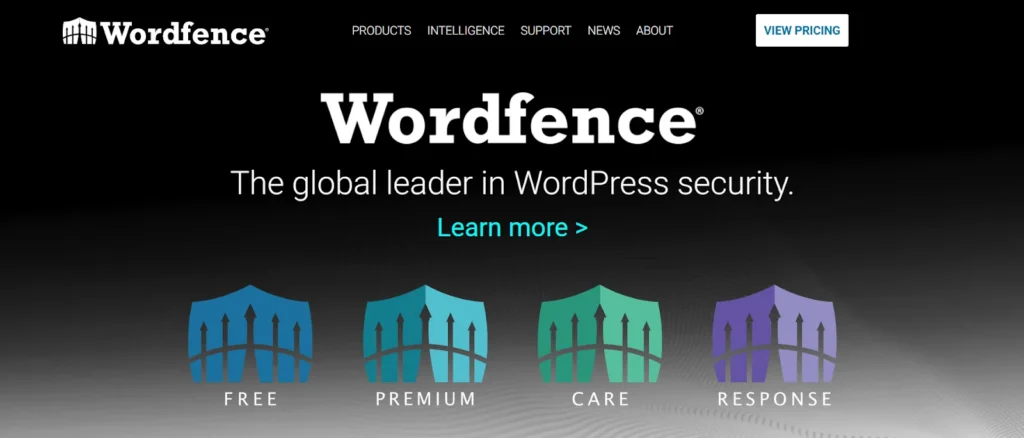
The Wordfence Security plugin includes a Web Application Firewall (WAF), malware scanner, login security such as 2FA, login page captcha, and live traffic monitoring in its free version. It offers advanced features like country blocking, real-time malware signature updates, real-time IP blocklist, and many other features in its premium version.
Available Plans:
- Free
- Premium – $149/year
- Care – $590/year
- Response – $1250/year
2. All-in-One Security and Firewall
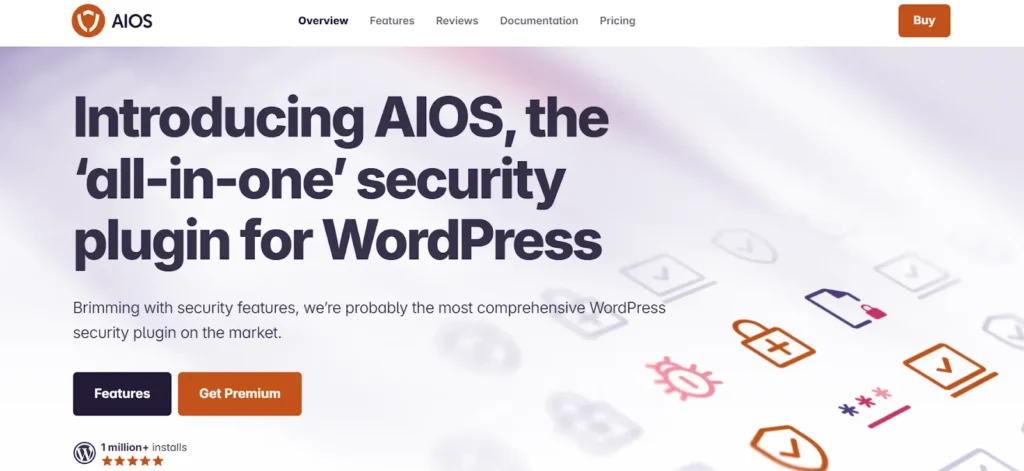
All-in-One Security is a free and easy-to-use plugin. Its features include login security tools, content protection, WAF, copywriting protection and protection against DDoS attacks, image hotlinking, and XSS. The premium version includes AI-driven malware protection by scanning your site’s status daily, and also other features like flexible two-factor authentication, smart 404 blocking, and country blocking.
Available Plans:
- Free
- Premium – $70/site/year
3. Akismet
Akismet is a spam protection plugin that blocks spam comments and spam in contact forms. It uses advanced AI filters to detect spam in the form of text, comments, or forms with high accuracy.
Available Plans:
- Free
- Pro – $9.95/month
- Business – $49.95/month
Other AI security tools like Beagle Security, Astra Security, and Sucuri Security are also compatible with WordPress sites and offer brilliant features like automated WordPress vulnerability scans, pentests, and other security tests.
Best Practices for a Secure Website
Merely relying on WordPress security plugins is not going to cut it. You need to adopt a few other measures to ensure you don’t leave any vulnerable spots open for attackers. We have outlined some of the best practices for maintaining a secure website below.
- Update your WordPress core, themes, and plugins regularly – WordPress constantly releases updates fixing its previous security issues. Similarly, plugins and themes receive updates. When updates are released, make sure to update to the latest versions to avoid falling a target to attackers who exploit outdated software to enter.
- Enable 2FA – Using Two Factor Authentication will require a second step of verification through mobile phones or emails. Even if a hacker tries to breach your security, they will not be able to cross this next step of verification.
- Avoid using weak passwords and usernames – Using obvious passwords like “password” or “123456” makes you an easy target for hackers, as such passwords will be their first try to perform a brute force attack. Use strong and unpredictable passwords to secure your WordPress admin log. Likewise, don’t use those default usernames like “admin”. Try to be unique with your usernames, too.
- Implement WordPress firewall solutions – Firewalls analyze incoming and outgoing traffic to identify and block suspicious requests. Firewalls stop DDoS attacks and SQL injections at the door and prevent them from entering your site.
- Obtain SSL certificates – SSL certificates ensure encrypted connections between your website and its users. They also serve as a certification to verify the authenticity of your site’s identity.
Conclusion
Cyber threats are on the rise, and using just old security strategies is never enough these days.
To keep your WordPress site safe from hackers, you really need to beef up your game by using some AI tools. By implementing AI WordPress security plugins and best practices, you can significantly reduce your website’s vulnerabilities and ensure a safe browsing experience for your visitors.
Always, prevention is better than a cure. Take action today! Start integrating AI into your WordPress security and stay one step ahead of cyber dangers.